
Scan-to-email is a common feature on office printers and multifunction devices, but it can create security risks if it is not configured correctly. Many businesses still use outdated scan-to-email settings that rely on shared credentials, weak authentication, and limited access controls.
A secure scan-to-email setup helps protect sensitive scanned documents, reduce the risk of unauthorised access, and support modern business security standards.
What Is Scan-to-Email?
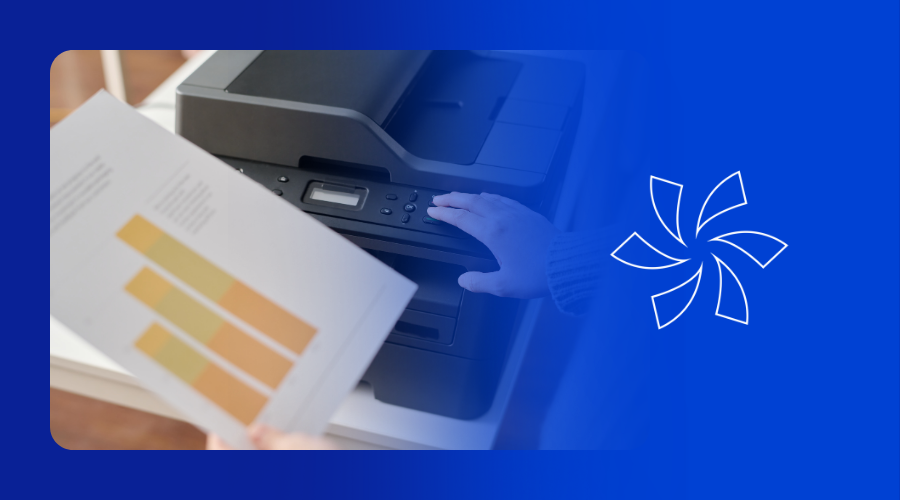
Scan-to-email is a feature that allows a printer or multifunction device to scan a document and send it directly to an email address. Businesses use scan-to-email to speed up document sharing, improve workflows, and reduce manual handling.
While scan-to-email is convenient, it can also become a security weakness if the setup behind it is outdated or poorly controlled.
Why Is Scan-to-Email a Security Risk?
Scan-to-email can be a security risk because scanned documents often contain sensitive business information. If the email workflow is not secured properly, those documents may be exposed, misused, or sent through an insecure process.
Common scan-to-email security risks
Many traditional scan-to-email configurations:
- use shared credentials
- rely on basic authentication
- lack proper access restrictions
- provide little visibility or control
These weaknesses can create opportunities for data exposure and reduce oversight for IT teams.
What Documents Are at Risk in Scan-to-Email?
Documents scanned through office devices often include confidential or business critical information.
Examples of sensitive scanned documents
These may include:
- invoices
- contracts
- HR records
- financial documents
- internal reports
- customer or client information
If your scan-to-email process is not secure, these documents may be at risk of unauthorised access or mishandling.
How to Secure Your Scan-to-Email Setup
A secure scan-to-email setup should not only send documents successfully. It should also protect the mailbox, control access, and give your organisation visibility into how the service is being used.
Step 1: Use a dedicated mailbox for scan-to-email
Use a dedicated mailbox that is only used for the scan-to-email function. Avoid using a shared employee account or a general mailbox for this purpose. A dedicated mailbox improves control, limits exposure, and makes activity easier to manage and monitor.
Step 2: Use secure authentication methods
Avoid outdated authentication methods where possible. Use stronger and more secure authentication that aligns with modern security standards. This helps reduce the risk of mailbox compromise and improves the overall security of the scan-to-email process.
Step 3: Apply proper access controls
Restrict who can use scan-to-email, who can manage the settings, and which destinations can be used. Not every user or device needs the same level of access. Proper access controls help prevent misuse and reduce the chance of accidental or unauthorised exposure.
Step 4: Add policy-based protection
Policy-based protection can help enforce security rules for scanned documents. This may include controls around where documents can be sent, how data is handled, and how risks are identified. Policies add another layer of protection beyond basic mailbox settings.
Step 5: Enable audit visibility
A secure scan-to-email setup should provide audit visibility and monitoring. This helps IT teams review activity, investigate issues, and maintain better oversight. Audit visibility is especially important when sensitive or regulated information is being scanned and sent.
Step 6: Review your scan-to-email configuration regularly
Even if scan-to-email is working correctly, that does not always mean it is secure. Older configurations often stay in place for years without review. Regular reviews can help identify weak settings, outdated practices, and opportunities to strengthen protection.
What Should a Secure Scan-to-Email Setup Include?
A modern scan-to-email configuration should include:
- a dedicated, restricted mailbox
- secure authentication methods
- proper access controls
- policy-based protection
- audit visibility
These are the core elements of a secure scan-to-email setup.
What Are the Benefits of Secure Scan-to-Email?
A secure scan-to-email configuration helps businesses keep the convenience of scanning while reducing unnecessary security risks.
A stronger setup can help your business:
- protect sensitive scanned documents
- improve visibility for IT teams
- reduce the risk of misuse
- support internal security policies
- align with modern security expectations
Should You Review Your Current Scan-to-Email Setup?
Yes. If your business uses scan-to-email, it is worth reviewing the configuration to make sure it still meets current security standards. Many scan-to-email environments were set up years ago and may no longer provide the protection or control that organisations need today.
Need Help Securing Scan-to-Email?
We help businesses review and improve scan-to-email configurations so they are better protected, easier to manage, and aligned with modern security standards.
If you are currently using scan-to-email, we would be happy to review your setup and help ensure it is secure.